

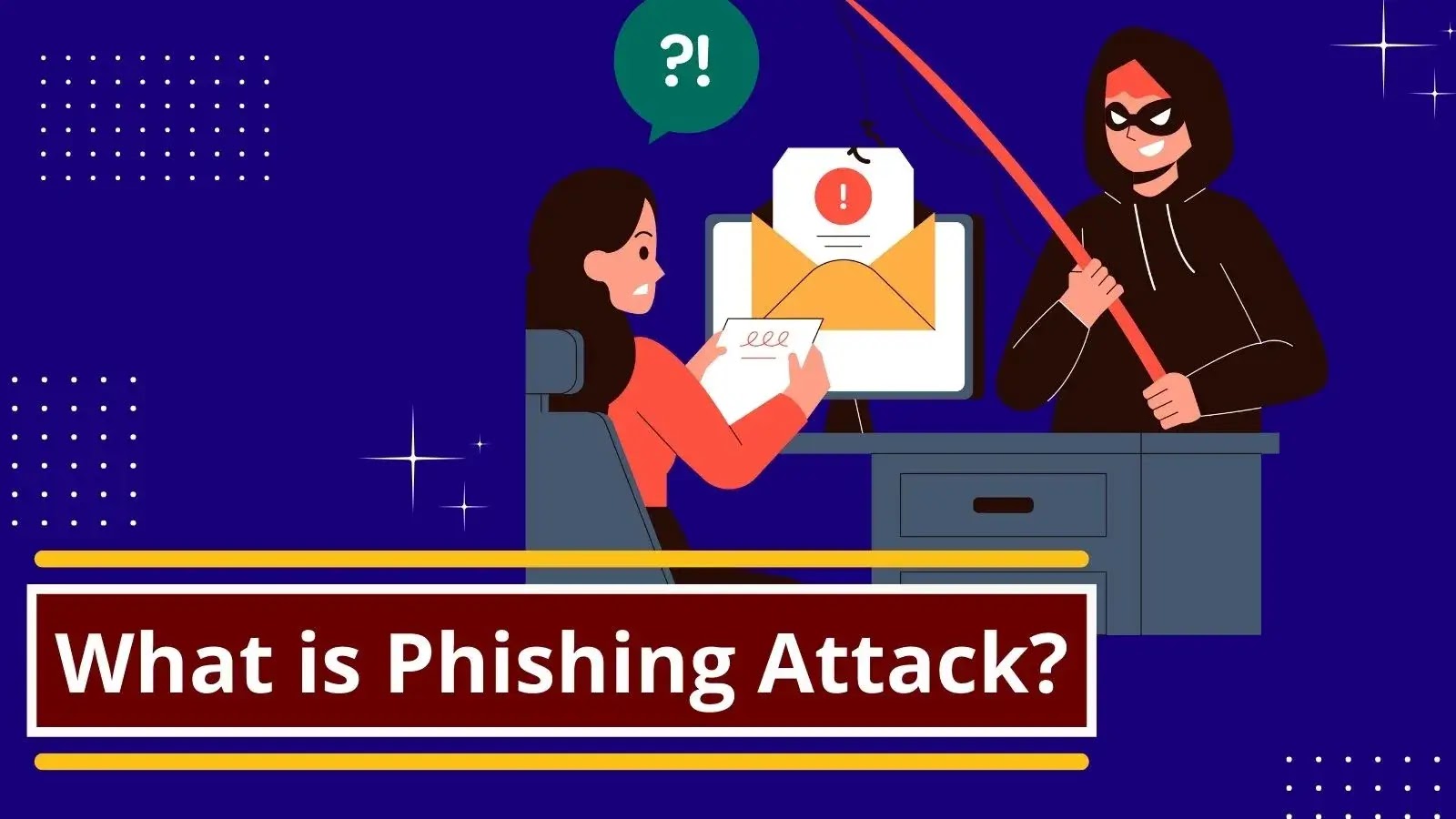
What Is Phishing? Meaning, Types & How to Stay Safe
What Is Phishing? Meaning, Types & How to Stay Safe, so online scams are blowing up these days, and phishing is a really common and nasty one. People are getting tons of fake emails, texts, and calls that look legit but are actually trying to steal your info. Link to know more: https://g.page/r/CZQzRiCVMxYgEBM
This post will tell you what phishing is, how it works, the usual tricks they use, some real-life examples, and how to keep yourself safe.
📌 What’s Phishing?
Phishing is when cybercrooks act like they’re someone you trust to trick you into giving up stuff like:
- Passwords
- One-time passwords
- Bank info
- Credit/Debit card numbers
- Personal ID info
They usually try to get you through emails, texts, calls, social media, or fake websites.
⚙️ How Does Phishing Work?
It’s pretty simple, but it works:
- Scammer sends a fake message or email.
- It looks like it’s from someone you trust (like your bank).
- You click a bad link or download something.
- You type in your details on a fake site.
- Scammer steals your info and uses it for bad stuff.
🚨 Common Phishing Scams
📧 1. Email Phishing
Fake emails that look like they’re from banks or other places asking you to check your info.
📱 2. Text Phishing (Smishing)
Weird texts that say things like:
- Your account is locked!
- You won something!
- Click here to update your info!
☎️ 3. Voice Phishing (Vishing)
Scammers call you acting like they’re from the bank or customer service.
🌐 4. Website Phishing
Fake websites that look just like the real login pages for your bank or apps.
📲 5. Social Media Phishing
Fake messages pop up on Instagram, Facebook, or WhatsApp asking you to confirm stuff or offering deals.
🧠 Real Phishing Stories
- Fake email from a bank asking you to update your info
- WhatsApp messages saying you won money
- Instagram message saying Copyright issue – check your account”
- Fake job offers that want you to pay a fee
- A phone call that sounds like it’s stopping fraud, asking for your one-time password
⚠️ Warning Signs
Watch out for these red flags:
❌ Urgent or scary language
❌ Unknown sender or weird email address
❌ Typos or bad grammar
❌ Sketchy links
❌ Asks for one-time passwords, PINs, or passwords
🛡️ How to Stay Safe
✅ 1. Never Give Out One-Time Passwords or Passwords
No real bank or company will ever ask for them.
✅ 2. Double-Check Who Sent It
Always check email addresses, phone numbers, and website addresses.
✅ 3. Don’t Click Weird Links
Don’t click links from people you don’t know or think are suspicious.
✅ 4. Use Strong Passwords
Use different passwords for everything.
✅ 5. Turn On Two-Step Verification
This adds extra security to your accounts.
✅ 6. Use Antivirus Software
This helps find bad links and files.
🏢 Why Phishing Hurts Businesses
It’s not just individuals who get hit—businesses can also face:
- Data leaks
- Money loss
- Customers stop trusting them
- Legal problems
That’s why it’s super important to train employees and have good cybersecurity.
📢 What to Do If You Get Scammed
If you think you’ve been phished:
🚨 Change your passwords ASAP
🚨 Tell your bank or whoever got impersonated
🚨 Report it to the cybercrime people
🚨 Check your device for viruses
🌐 Cyber Law and Phishing
Most countries consider phishing a serious crime. Reporting it helps catch the bad guys and protect others.
🔮 What’s Next for Phishing?
With AI getting better, phishing scams are getting harder to spot. So being aware and learning about this is the best defense.
Phishing is a big threat, but you can avoid it by paying attention and being careful. Always think before you click or share your info online. Staying informed is the best way to stay safe.
Remember: If it seems super urgent, scary, or too good to be true—it’s probably a scam. https://sritechnology.in/blog/