

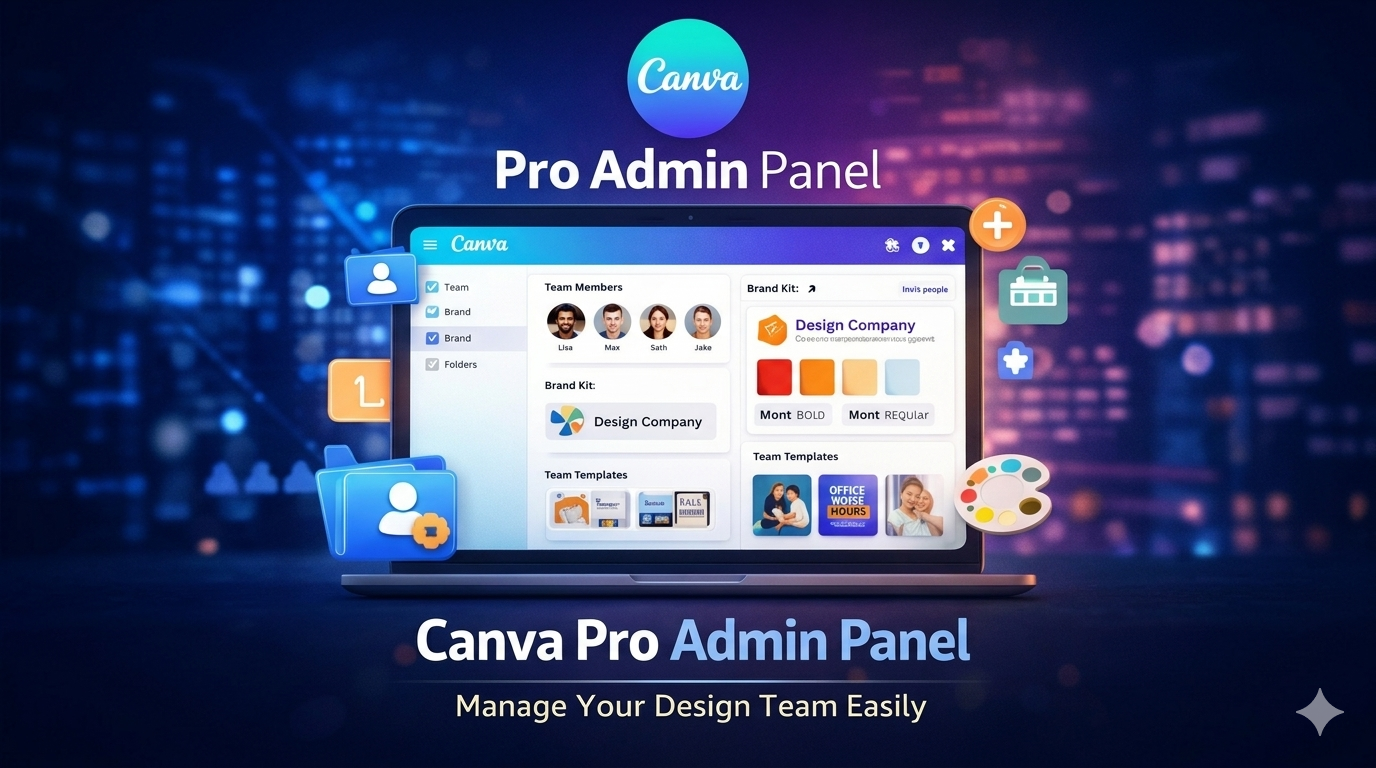
Canva Pro Admin Panel Guide for Businesses
Canva Pro Admin Panel Guide for Businesses Design has become a key part of digital marketing and branding. Tools like Canva make it simple for businesses to create professional-looking graphics without needing advanced design skills. Link to know more: https://g.page/r/CZQzRiCVMxYgEBM
For teams and organizations, Canva Pro offers an Admin Panel that helps manage team members, brand assets, and design workflows more smoothly.
What is the Admin Panel?
It’s a dashboard where administrators can oversee their team workspace. Through this panel, they can add or remove team members, control who has access to designs, manage brand kits, and organize templates and folders. This helps businesses keep their designs consistent and work together more easily.
Key Features of Canva Pro Admin Panel
- Team Member Management
Admins can invite new members or remove existing ones, and assign roles like admin, member, or template designer to control access within the team. - Brand Kit Management
Admins can upload and store brand logos, colors, and fonts in the Brand Kit, making sure all team designs align with the brand identity. - Shared Team Workspace
Teams can collaborate in real time, editing designs together, sharing templates, and accessing shared folders. - Template Control
Admins can create templates for social media posts, marketing banners, or presentations. This helps keep designs consistent across the team. - Access and Permission Control
Admins decide who can edit designs, share files, or see specific folders, preventing unwanted changes.
Benefits of Using Canva Pro Admin Panel
It makes team collaboration easier, keeps brand design consistent, secures design management, speeds up content creation, and keeps workflows organized. These advantages make Canva Pro a strong choice for marketing teams and businesses.
Who Should Use Admin Panel?
It’s great for digital marketing agencies, social media managers, businesses and startups, graphic design teams, and content creators who want to manage design work more effectively.
Canva Pro vs Free Canva
The free version offers basic design tools, but Canva Pro adds features like brand kits, team collaboration, premium templates, and advanced admin tools, which suit professional needs better.
Overall, the Canva Pro Admin Panel is a useful tool for managing design teams, maintaining brand consistency, and boosting collaboration. With features for team management, brand assets, and template control, it helps teams work more smoothly and get designs done faster. https://sritechnology.in/blog/