

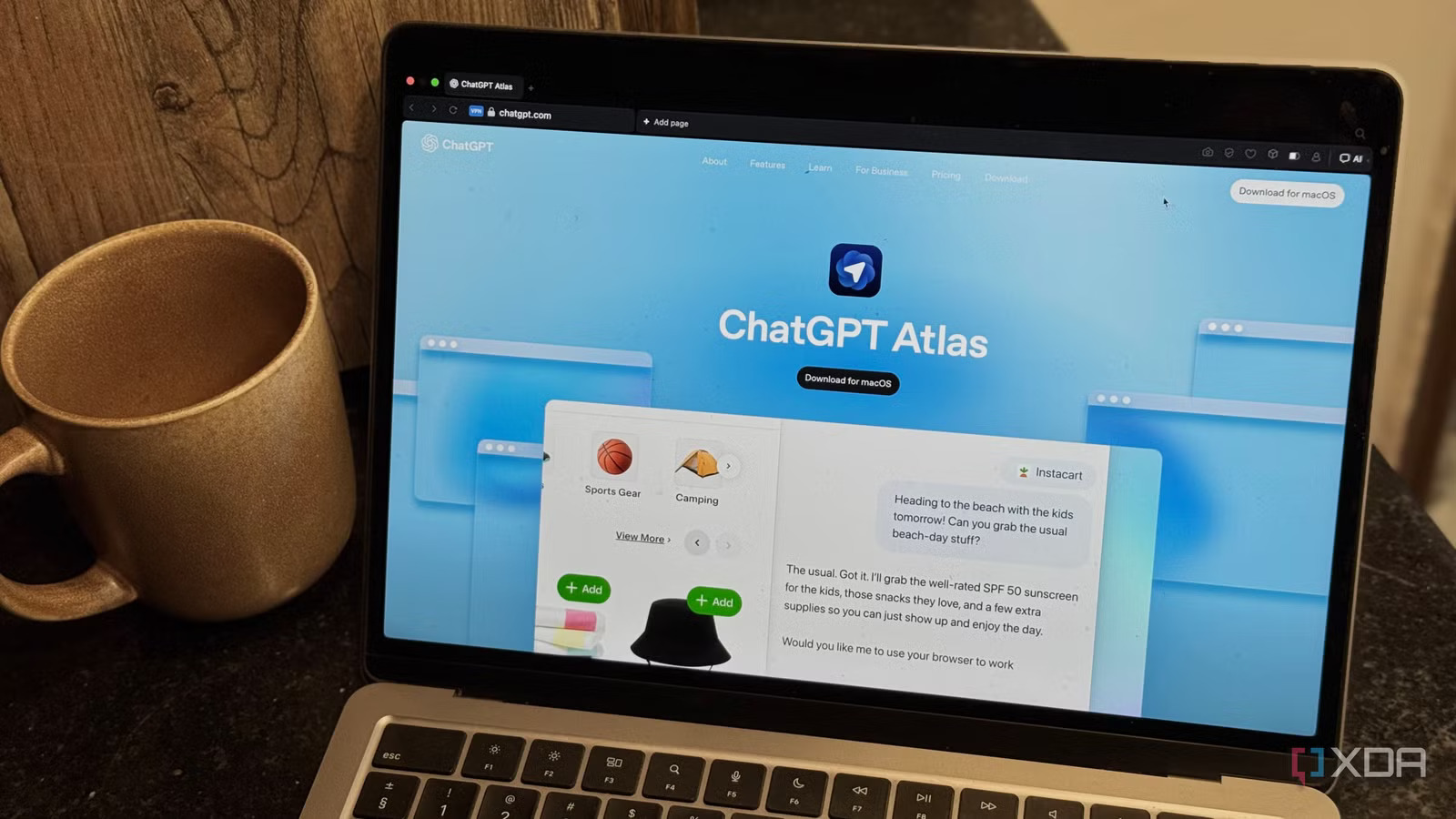
ChatGPT Atlas AI Browser: The Browser That Puts AI in Every Tab
ChatGPT Atlas: Imagine if when you open your browser, besides just having windows and tabs, there is an AI assistant ready to help you instantly. This is basically what ChatGPT Atlas is about – a new browser by OpenAI with their conversational AI as the main feature integrated directly into the browser. Link to know more: https://g.page/r/CZQzRiCVMxYgEBM
OpenAI
Atlas doesn’t require you to switch between search engine, chat, and documents as it combines all of them in one – thus making your browsing more intelligent, quicker, and with a clear purpose.
🧠 What Makes Atlas Different?
- Sidebar Chat with Context. On any webpage, you are allowed to open a chatbot sidebar. The bot reads the page, gets the gist, and then you can ask questions like “Summarize this article” or “Compare these products”.
The Times of India
+1
- Built-In Memory. Atlas is capable of remembering the things you have looked at if you permit it, thus it can be able to suggest to you what you might need next. Consider it as your digital memory assistant.
The Times of India
+1
- Agent Mode (Premium Feature). The browser grants the capability to the GPT Plus/Pro tier users to authorize the AI to do the tasks automatically on their behalf like filling the forms, booking, and researching.
The Guardian
+1
- Familiar: Chromium Engine. Since Atlas is a Chromium-based browser, it retains the compatibility with the extensions and that you are used to without any change in your habits—only it is a bit smarter.
Wikipedia
✨ Why You Should Care Right Now
Productivity Boost. No more alt-tabbing between apps: you ask, it answers contextually in the same window.
Creative workflows. Draft emails, rewrite essays, summarize research—while you browse.
Personal assistant feel. With optional memory and agent features, browsing becomes less about searching and more about doing.
Privacy matters. You toggle how much the browser remembers and what ChatGPT can see.
The Indian Express
🎯 How to Get Started with Atlas
You should have a Mac equipped with Apple Silicon (M1/M2/ etc) and macOS 12 or later to be able to start with Atlas.
OpenAI Help Center
Go to chatgpt.com/atlas, and get the installer (.dmg) downloaded.
The Times of India
After that, drag the app to your Applications folder, grant the required permissions, sign in with your ChatGPT account.
Optionally, you can import bookmarks, passwords, and browsing history from the browser you’re currently using.
Open a new window, start your web session, open the ChatGPT sidebar and say “Hello” — you are ready to use.
⚠️ Watch-points Before Diving In
Currently, the agent mode is only available for the Plus/Pro users and might not be accessible in all the areas.
Some developers have noticed that certain developer tools are missing or there are some issues in the early builds of the software.
While the memory functionalities are there as an option, you must select how much information you are comfortable with that the browser is allowed to keep.
Since it is a new product, the full adaptation of some websites or plugins might take some time.
🔮 The Future of Browsing
Not just an upgrade, Atlas is a glimpse into the future and how our interactivity with the web might change: the
- move from passive consumption to active co-creation. The integration of agents, AI assistants, and browsers blurs the line between “search” and
- “do”. With Atlas, OpenAI is making its wager on that point.
Whichever role you play – student, knowledge worker, creator, or casual web surfer, ChatGPT Atlas is facilitating your browsing rather than obstructing it as most other tools do. If you want to know what productivity combined with AI is going to be like, then this is the browser you should consider installing and trying out. https://sritechnology.in/blog/